Finance doesn’t have
to feel stressful.
Blink pulls your numbers straight from Xero or QuickBooks Online into the Excel workbooks your team already uses, then takes each journal through approval and posting. Faster, without giving up quality, traceability or control.
Over a decade and 100+ companies like yours.
The work matters. The repetition doesn’t.
Every month, finance teams pull the same numbers out of the ledger, re-key them into the same schedules, rebuild the same journals, chase the same approvals and document work they’ve already done.
The accounting still needs to be right. The controls still matter. The work still has to stand up to review.
But it shouldn’t have to feel this hard.
Straight from your ledger
Your numbers, pulled straight into Excel.
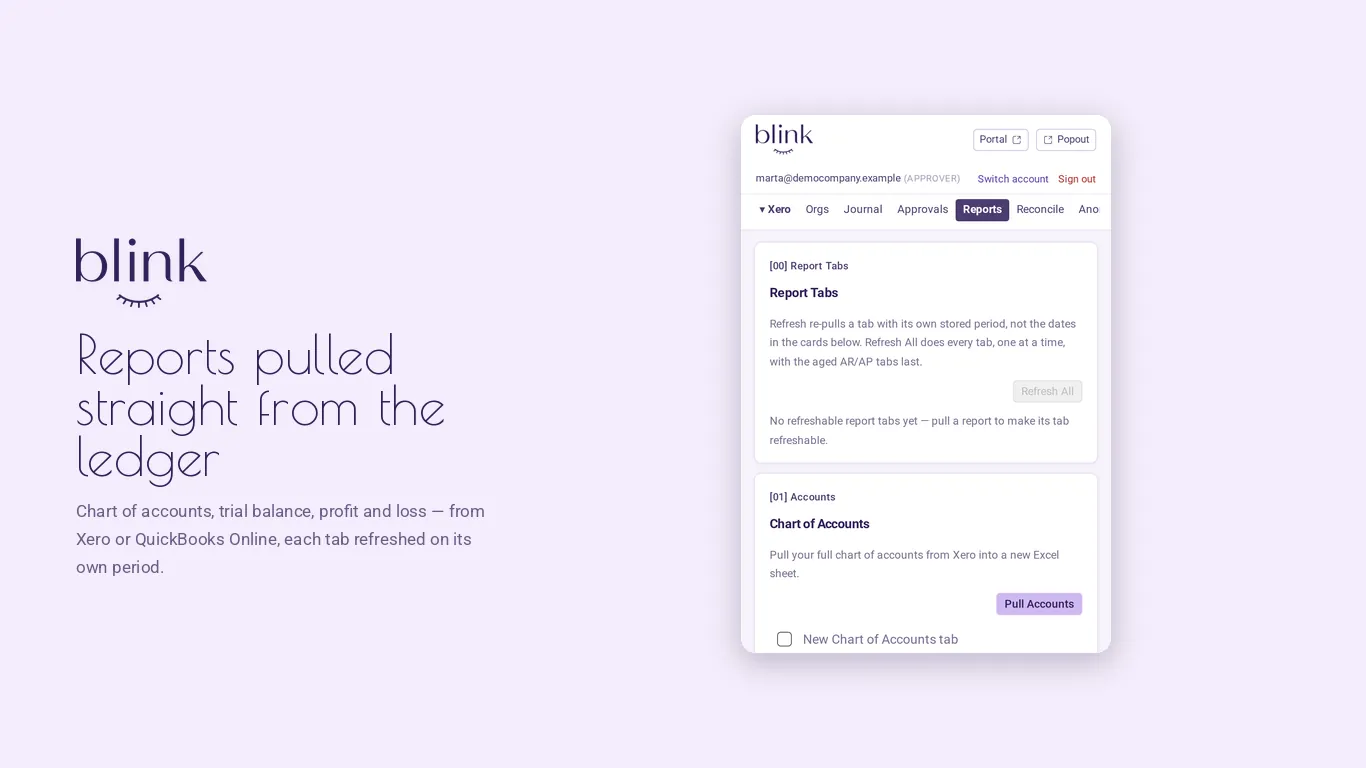
No exporting, no copy and paste, no re-keying. Pick a report and a period, and Blink writes it into your workbook, where your schedules pick it up.
Each tab remembers its period, so one refresh brings it up to date. A journal that relies on a stale figure is flagged before it can be submitted.
- Trial balanceXero · QuickBooks Online
- Profit and lossXero · QuickBooks Online
- Balance sheetXero · QuickBooks Online
- Aged receivables & payablesXero · QuickBooks Online
- Invoices & credit notesXero · QuickBooks Online
- General ledgerQuickBooks Online
- Bills & vendor creditsQuickBooks Online
- Account transactionsXero
- Chart of accounts & manual journalsXero


 Blink for Microsoft 365
Then, every month
Pull. Update. Prepare. Approve. Post.
- Blink pulls in the numbersStraight from Xero or QuickBooks Online into your workbook. No exporting, no re-keying.
- Your schedule updatesYour own formulas recalculate from the new figures. Nothing to rebuild.
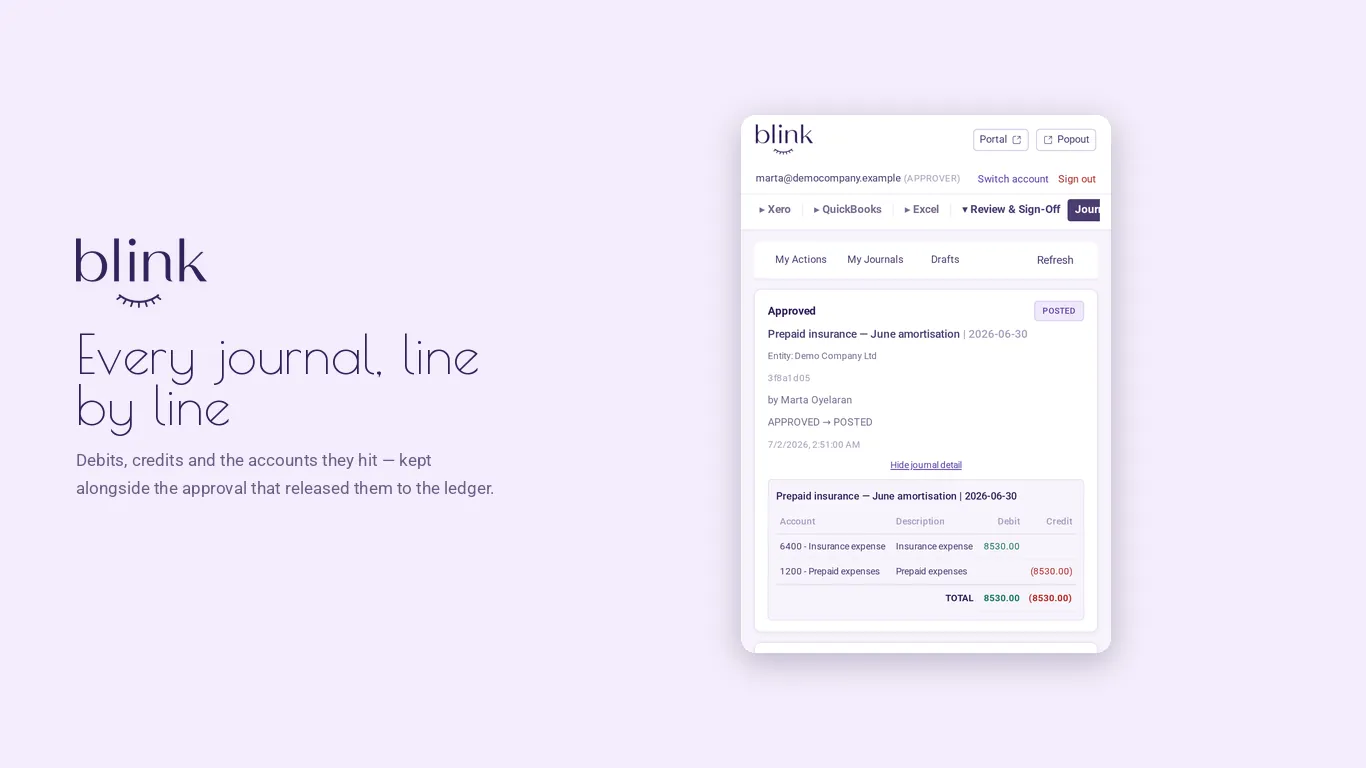
- The journal is prepared from itDebits, credits and the accounts they hit.
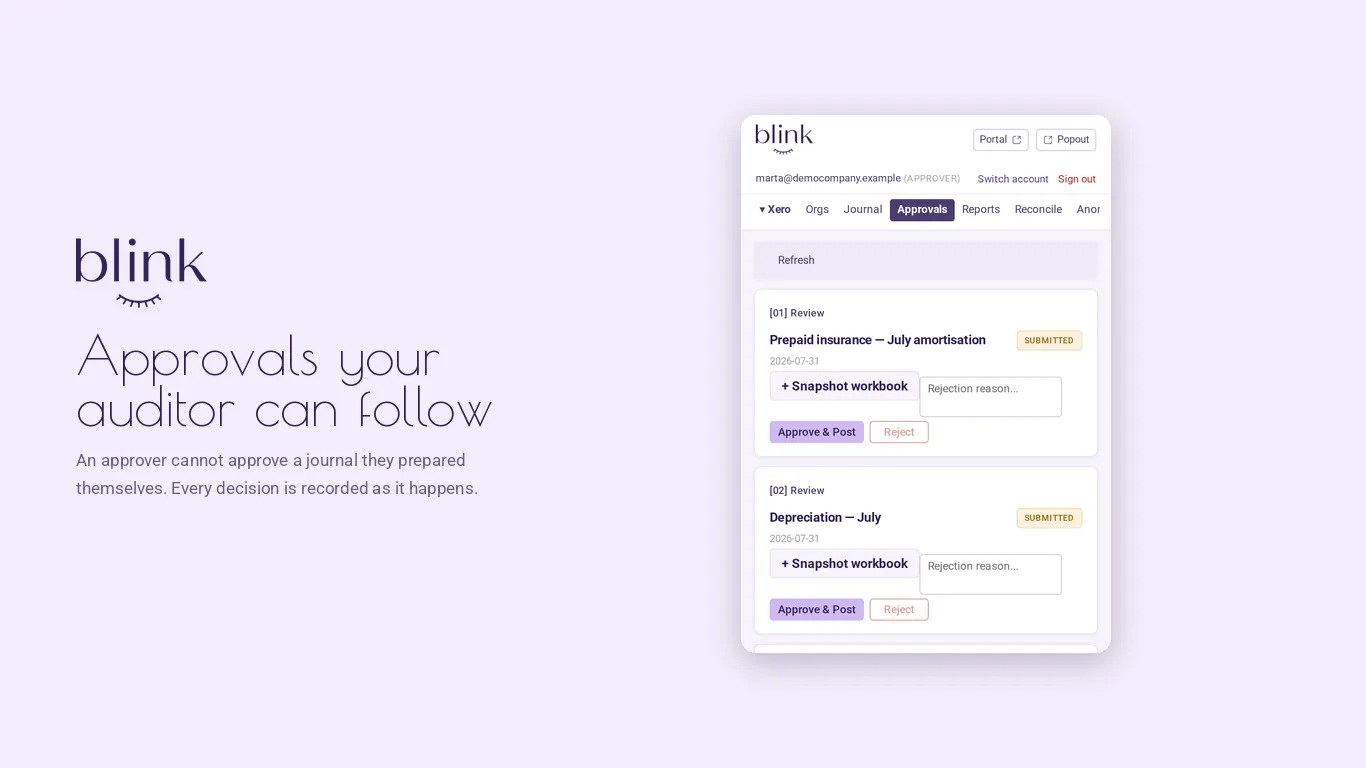
- Someone else approves itAn approver can’t approve a journal they prepared.
- Posted to Xero or QuickBooks OnlineOnly once it’s approved. Blink won’t post anything that isn’t.
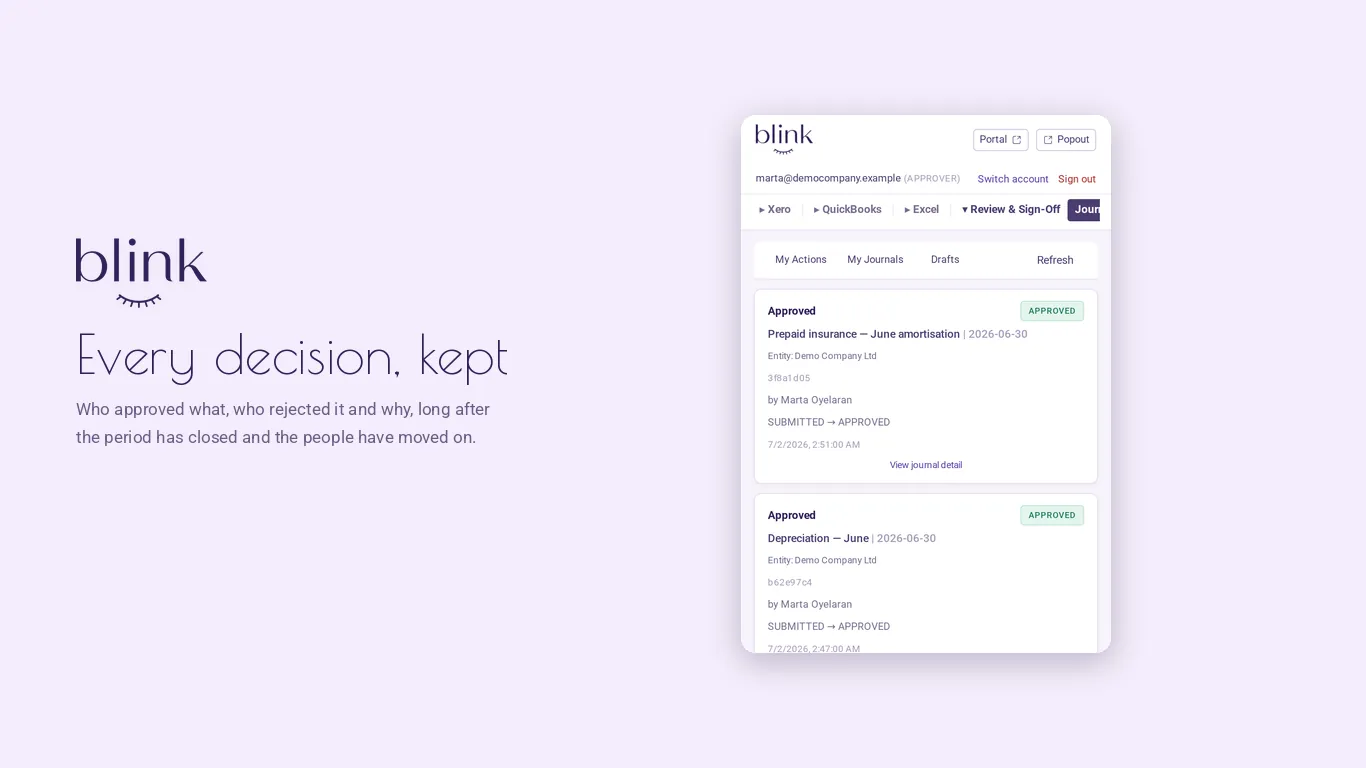
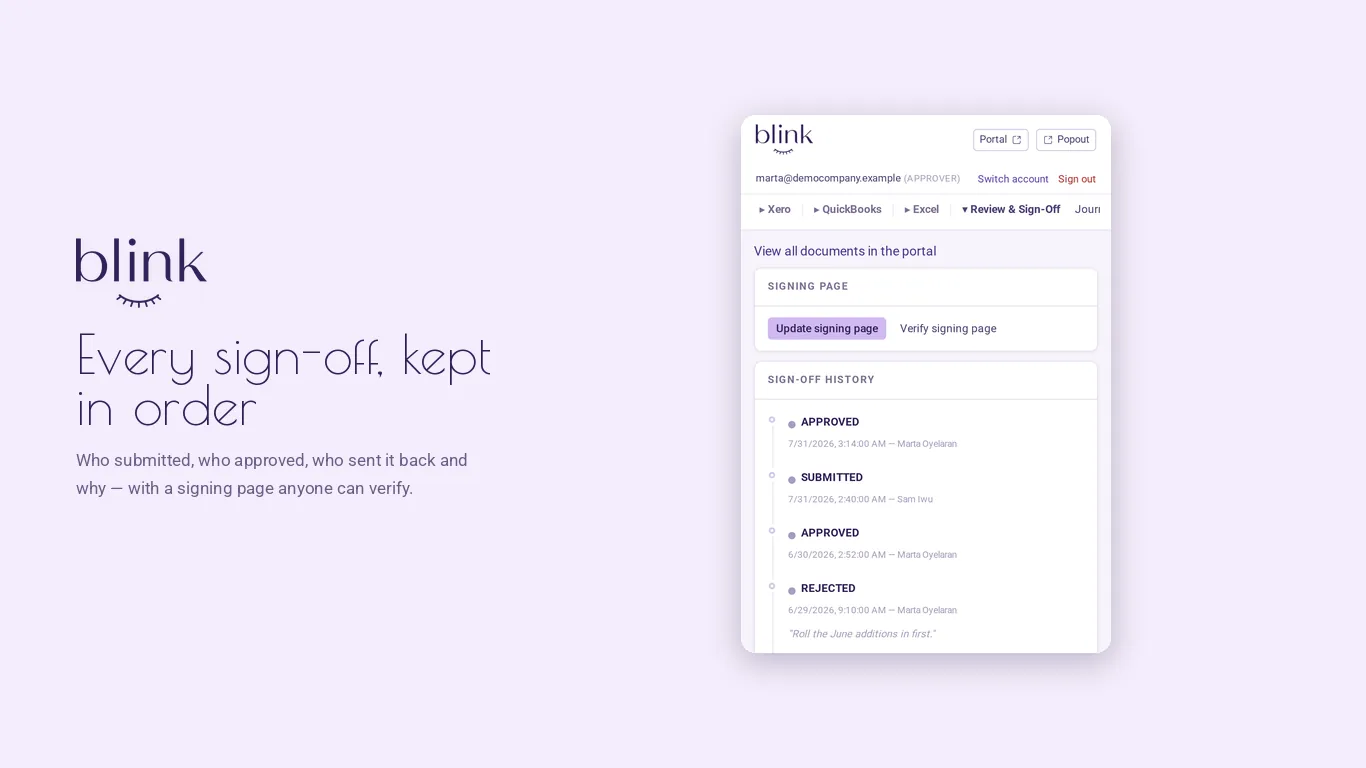
- Every action is recordedWho did what in Blink, and when, with a snapshot of the approved workbook.
Prepaid insurance FY2026.xlsx
Blink · task pane
=ROUND($C$3/$C$4, 2)| A | B | C | D | ||
|---|---|---|---|---|---|
| 1 | Prepaid insurance — FY2026 | ||||
| 2 | Policy | General liability, annual | |||
| 3 | Premium | 102,360.00 | |||
| 4 | Term (months) | 12 | |||
| 5 | Month | 1Opening | 2Amortization | Closing | |
| 6 | Jan 2026 | 102,360.00 | 8,530.00 | 93,830.00 | |
| 7 | Feb 2026 | 93,830.00 | 8,530.00 | 85,300.00 | |
| 8 | Mar 2026 | 85,300.00 | 8,530.00 | 76,770.00 | |
| 9 | Apr 2026 | 76,770.00 | 8,530.00 | 68,240.00 | |
| 10 | May 2026 | 68,240.00 | 8,530.00 | 59,710.00 | |
| 11 | Jun 2026 | 59,710.00 | 8,530.00 | 51,180.00 | |
| 12 | Jul 2026 | 51,180.00 | 8,530.00 | 42,650.00 | |
| 13 | Aug 2026 | 42,650.00 | 8,530.00 | 34,120.00 | |
| 14 | Sep 2026 | 34,120.00 | 8,530.00 | 25,590.00 | |
 3
4
5
6
3
4
5
6
And the numbers carry through.
- Xero or QuickBooks Online
- Your workbook
- Word report
- PowerPoint deck
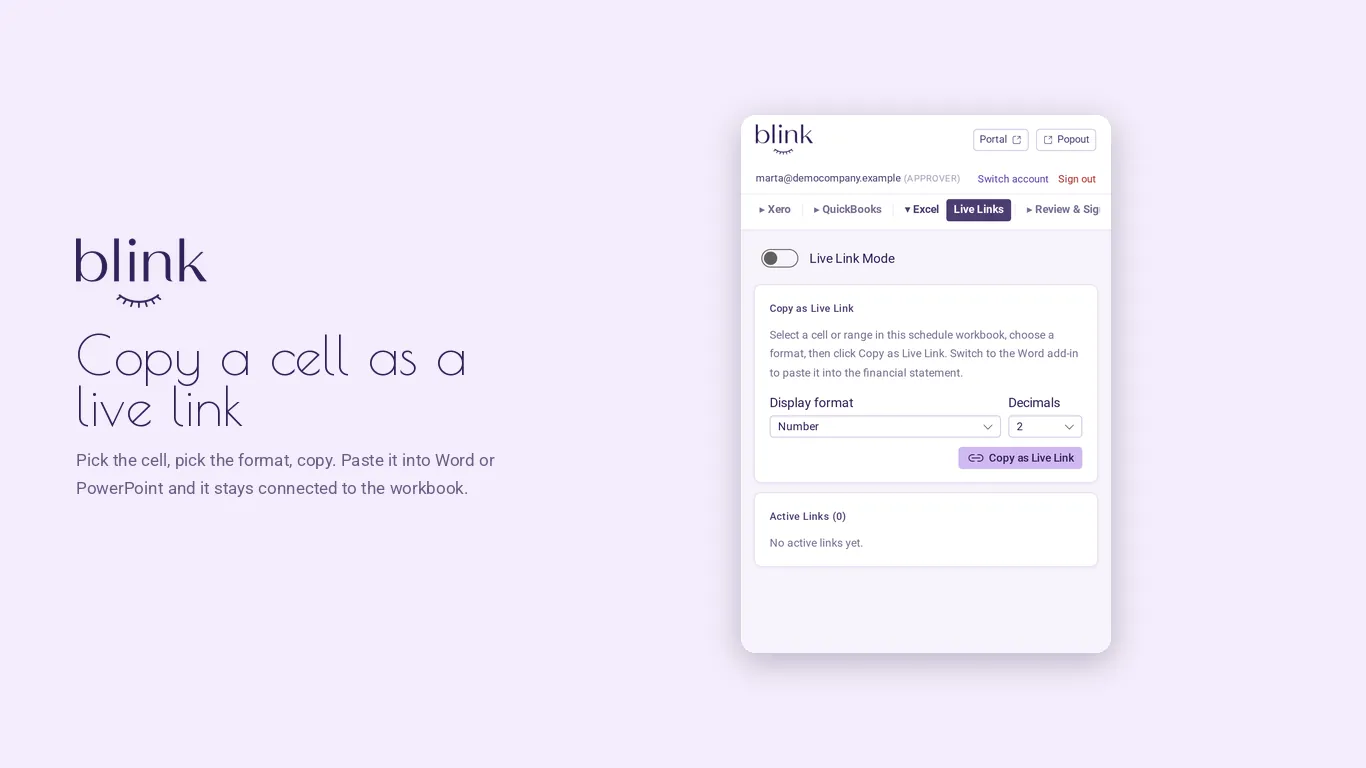
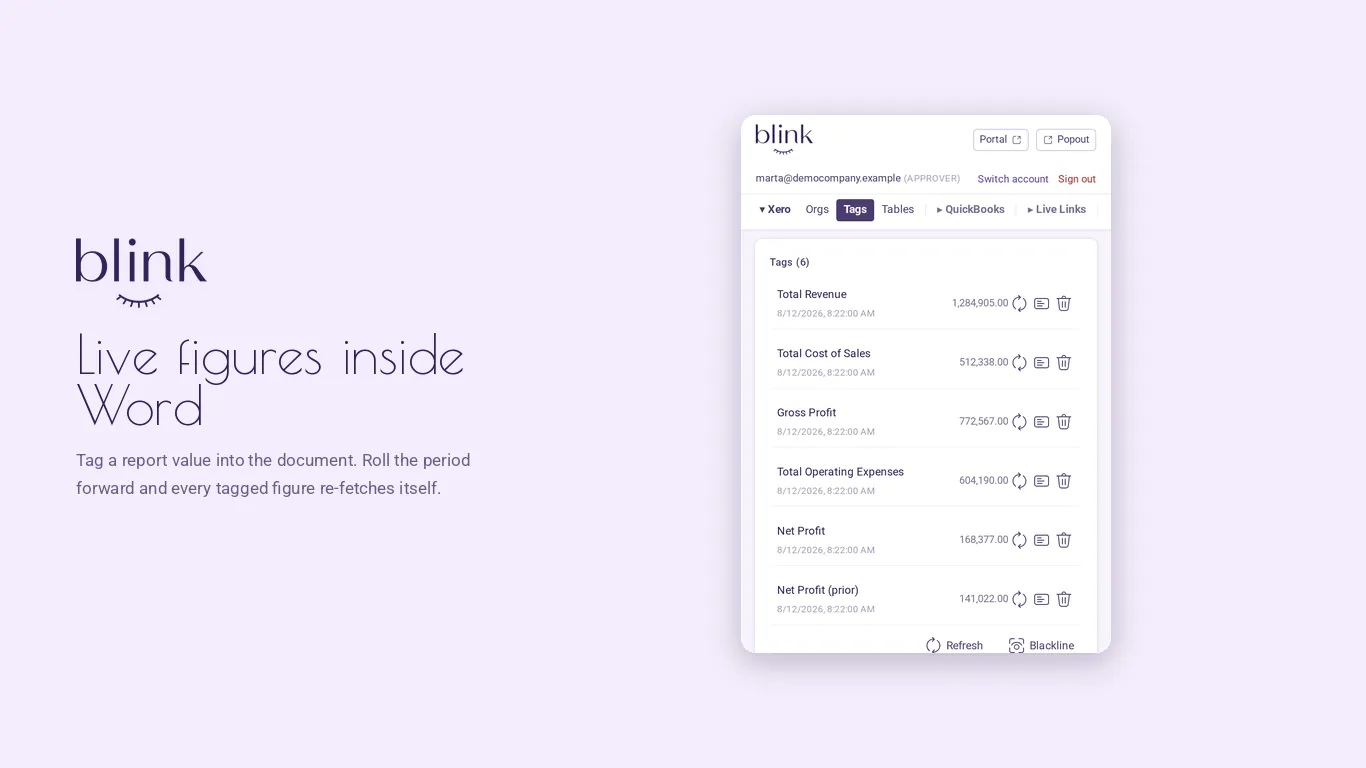
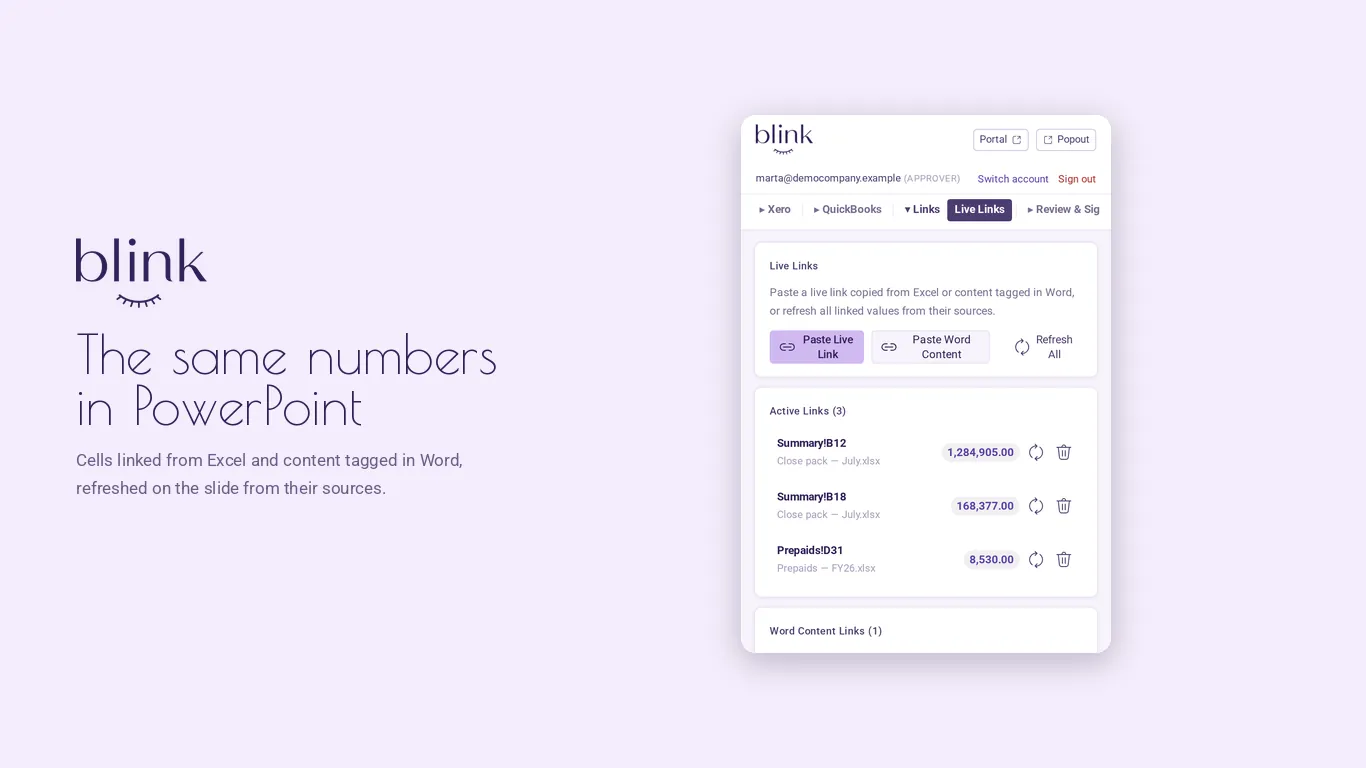
Linked from Excel to Word and PowerPoint. When the source updates, the figure in your report and your deck updates with it.
Ledger figures straight into documents. Pull numbers from Xero or QuickBooks Online directly into Word or PowerPoint.
See what changed. Refresh and reconcile show how the numbers have moved since the last pull, or since sign-off.
Fast doesn’t have to mean careless.
Generic AI can produce an answer in seconds. Finance needs more than an answer. It needs to know where the number came from, who approved it, and what happened next.
- Quality.
- Your own workbook and your own ledger, not a blank prompt.
- Traceability.
- Know where the numbers came from and how they changed. Every approval keeps a snapshot of the workbook.
- Control.
- One approval, by someone other than the preparer, before anything posts.
- Confidence.
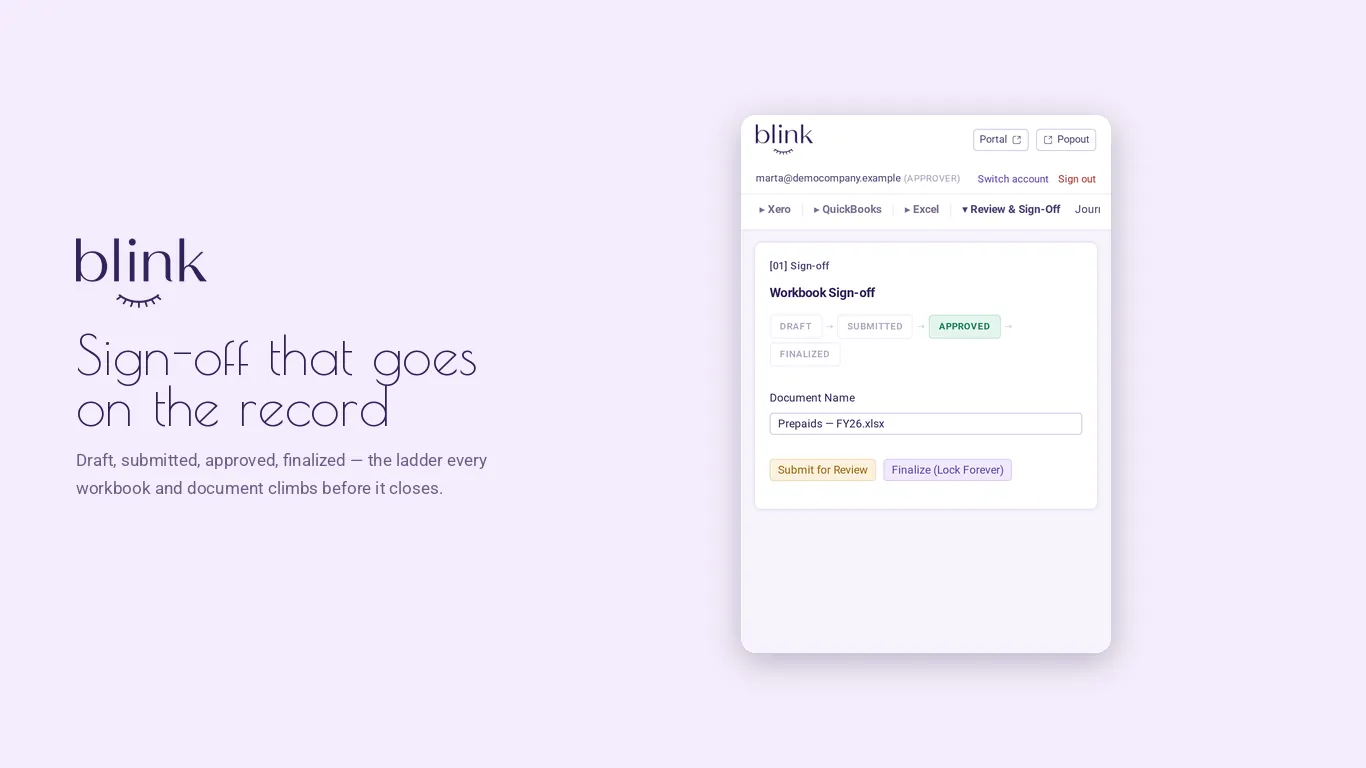
- Sign-off certificates with a signature anyone can verify.
Why Blink
We didn’t start with AI.
We started with accounting.
- We’ve opened the workbooks.
- We’ve built the schedules.
- We’ve reviewed the journals.
- We’ve answered the auditors.
- We’ve fixed the broken formulas.
For over a decade we’ve worked directly with finance teams at more than 100 companies like yours, building custom solutions for the work behind the scenes of a close.
Different companies, different workbooks. The need was the same.
Blink is what happened when we stopped building the same solution one client at a time.
No implementation project
Your workbook already works. Blink works with it.
Your schedules and your accounting logic already exist. Blink works inside them, instead of asking you to rebuild them somewhere else.
Added once from your Microsoft 365 admin center. Needs a current Microsoft 365 subscription; perpetual Office (2019, 2021) isn’t supported.
Months-long implementationRebuilding your processesA new system to learn
A closer look
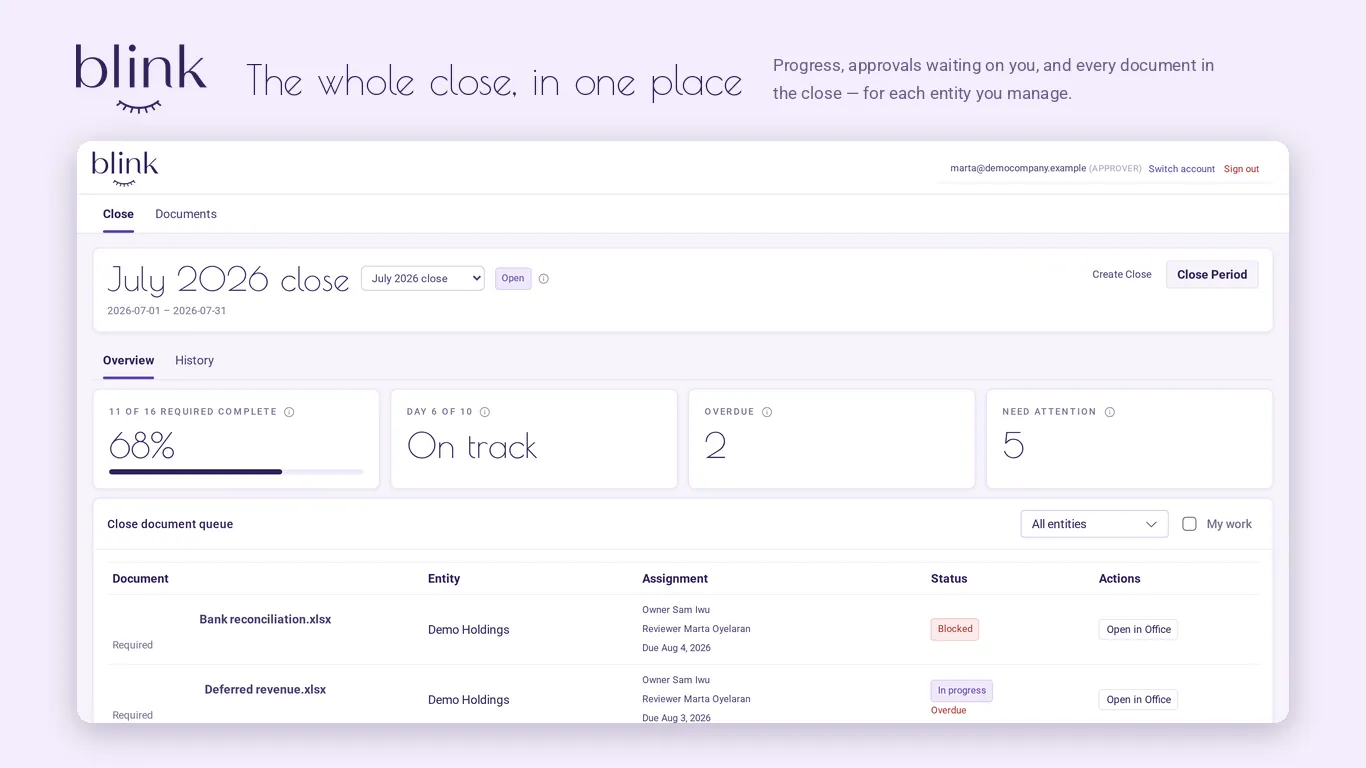
What Blink looks like.
An open invitation
Bring us your workbook.
Have a recurring accounting process that drives your team crazy? Send us the workbook and we’ll show you how Blink could handle it.
— The Theta Advisory team
Do more of the work that matters. Spend less time on the work you’ve already done.